
Facebook Messenger
Connect your Facebook Page so every Messenger chat sent to the Page lands in EngageOne and your team can reply from one shared inbox.
On this page
A Facebook inbox brings the Messenger chats sent to your Facebook Page into EngageOne, so your team can answer them together.
How it works
- A customer messages your Facebook Page in Messenger.
- Meta forwards the message to EngageOne.
- EngageOne opens a conversation in the Page's inbox, or adds the message to the customer's open conversation.
- An agent replies in EngageOne, and the reply goes back to the customer in Messenger.
- Delivered and read ticks update as Meta reports them.
Replies sent from Meta's own tools, such as Meta Business Suite, also appear in the EngageOne conversation.
Before you start
- You must be an admin of the Facebook Page.
- Your EngageOne installation must have a Meta app connected. If the Facebook tile is greyed out in Add Inbox, ask your EngageOne administrator.
Set up
- Go to Settings → Inboxes → Add Inbox → Facebook.
- Select the Facebook sign-in button and log in with an account that is an admin of the Page.
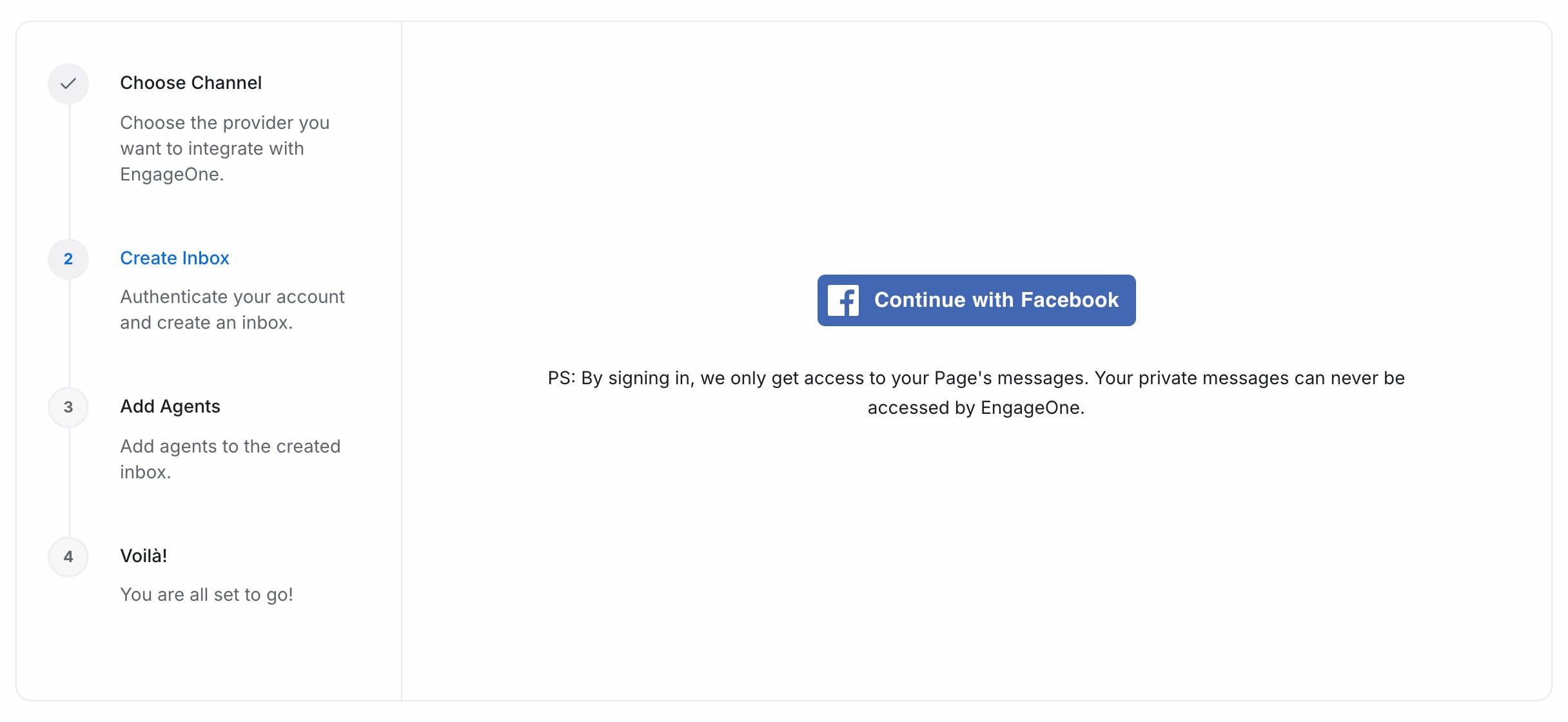
- Allow the permissions Meta asks for. EngageOne only gets access to your Page's messages, never your personal messages.
- Under Choose Page, pick the Page.
- Enter an Inbox Name and select Create Inbox.
- Pick the agents for this inbox and select Add agents.
- The last screen shows a QR code. Scan it to open your Page in Messenger and send a test message.
EngageOne subscribes the Page to messages, delivery and read updates automatically.
The 24-hour reply window
Messenger only lets businesses reply for a limited time.
| Situation | What happens |
|---|---|
| The customer wrote in the last 24 hours | You can reply freely |
| More than 24 hours have passed | The reply box is locked until the customer writes again |
| The customer has never messaged your Page | You can't start a chat with them |
Note: Meta offers a Human Agent option that extends the window to 7 days. It must be approved by Meta for your app and turned on by your EngageOne administrator.
What's supported
| Feature | Supported | Notes |
|---|---|---|
| Text, images, audio, video and files | Yes | Both ways |
| Location, shared links and posts | Yes | Incoming only |
| Delivered and read ticks | Yes | |
| Messages sent from Meta Business Suite | Yes | Shown as outgoing messages |
| Bot quick replies | Yes | Keep option titles short. Messenger shows only a short title |
| Comments on Page posts | No | Only Messenger chats are brought in |
| Instagram messages | No | Connect Instagram as its own inbox |
Troubleshooting
| Problem | Likely cause | Fix |
|---|---|---|
| Reply box is locked | More than 24 hours since the customer's last message | Wait for the customer to write again |
| "Your inbox is disconnected" | The Page connection expired, for example after a password change or a removed permission | Open the inbox in Settings → Inboxes and select Click here to reconnect. Sign in with a Page admin account |
| A reply failed | Meta rejected it | Read the error shown on the message. It's usually the reply window or the connection |
| New chats don't arrive | The installation's Meta app isn't receiving events | Ask your EngageOne administrator to check the Meta app's webhook |